

Published:
Many people think that when a UPS stops providing backup power, the entire unit is broken. In fact, the problem is often much simpler—the UPS battery may be worn out or no longer working properly.
This guide explains how to check common problems, identify battery issues, and perform basic UPS battery replacement by yourself, helping you keep your system running and save money.
What Is a UPS Battery and Why Does It Matter?
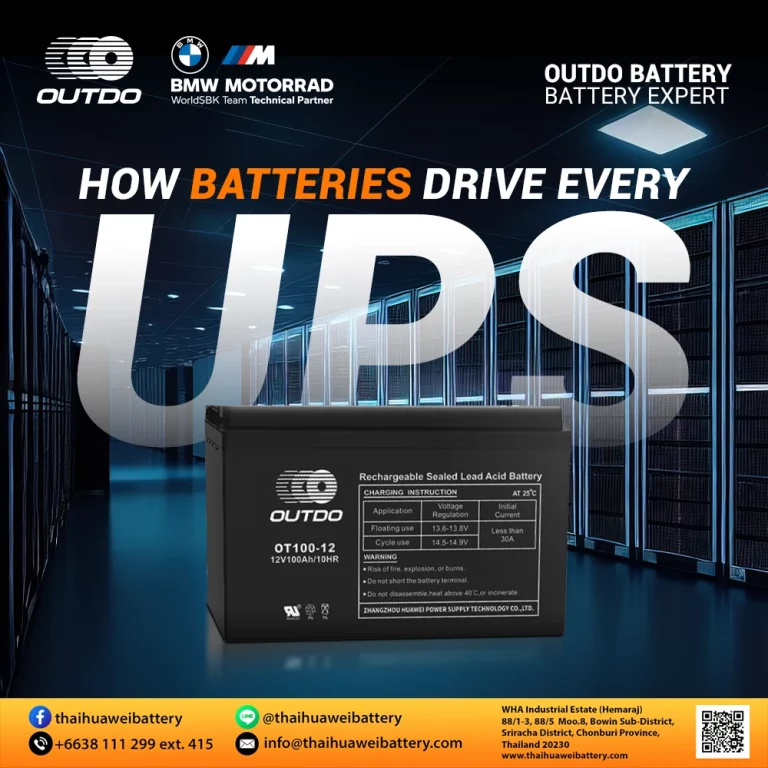
UPS battery is one of the most important parts of a UPS system. It stores energy and supplies power to connected devices when the main power goes out. Without a healthy battery, a UPS cannot protect your equipment or keep it running during outages.
UPS Not Backing Up Power? The Battery Is Often the Real Issue
When a UPS fails to supply backup power, many users assume the UPS itself is damaged. However, in most cases, the real cause is an old or weak battery. If the battery can no longer hold a charge, the UPS will shut down immediately when the power goes out—even if the unit still looks normal. Checking and replacing the battery is often the easiest and most cost-effective solution.
How to Know If Your UPS Battery Needs to Be Replaced
You may need to replace your UPS battery if you notice any of these signs:
- Warning lights or alarm sounds from the UPS
- The UPS turns off right away or only works for a few seconds during a power outage
- Some UPS models show battery status through software or a mobile app
If you experience these issues, it is usually a sign that the UPS battery has reached the end of its life.
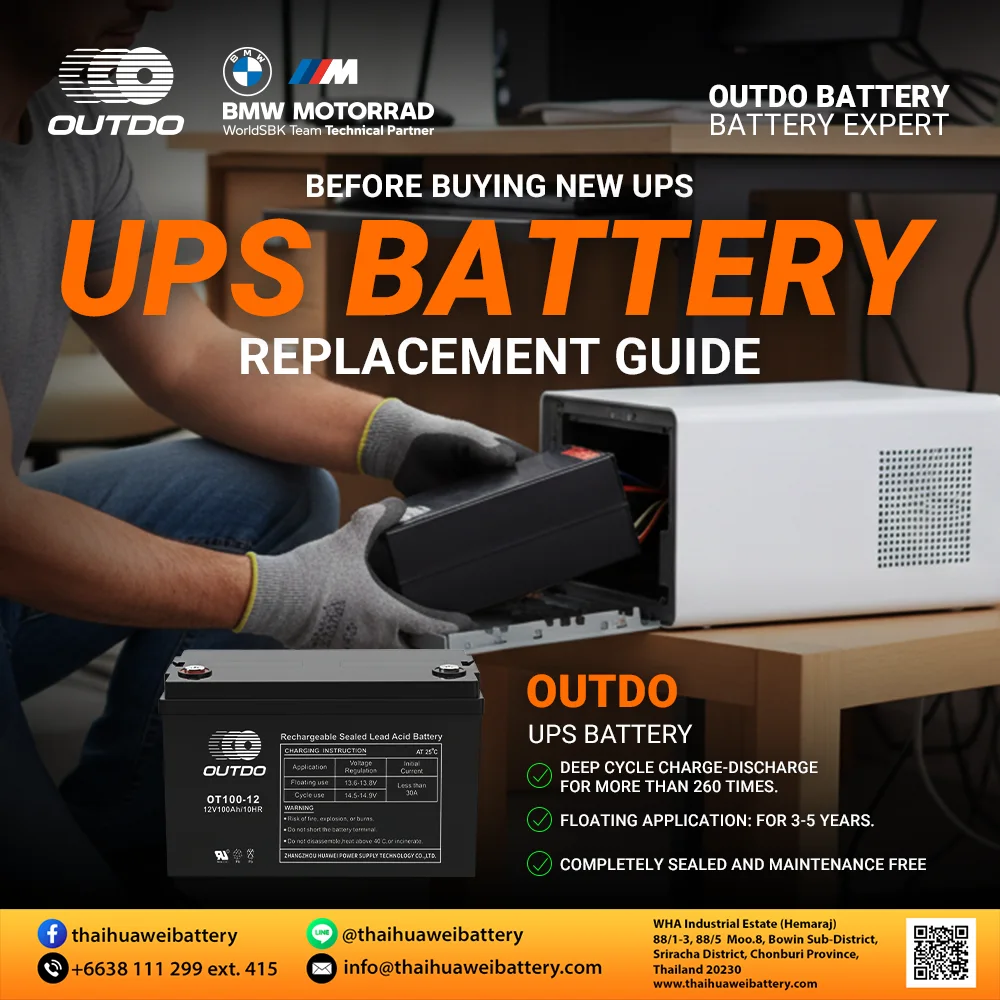
How to Replace a UPS Battery Safely by Yourself
Replacing a UPS battery is usually simple and safe if you follow the correct steps:
1. Prepare basic tools and read the UPS user manual if available
2. Disconnect all devices from the UPS
3. Open the UPS cover to access the old battery
4. Carefully remove the old battery, starting with the negative (–) terminal, then the positive (+) terminal
5. Insert the new battery, connecting the positive (+) terminal first, followed by the negative (–) terminal
6. Check that everything is in place, then close the UPS cover
7. Turn the UPS on and test it, watching for warning lights or alarms
8. If anything seems wrong, stop using the UPS and contact a technician
How to Take Care of Your UPS Battery and Make It Last Longer
1. Place the UPS in a cool, well-ventilated area:
Heat and humidity can shorten battery life.
2. Charge the battery regularly:
Do not leave the battery unused for long periods. If the UPS is rarely used, turn it on and charge it at least once a month.
3. Do not overload the UPS:
Connecting too many devices makes the battery work harder and wear out faster.
4. Check the battery condition from time to time:
Look for swelling, leakage, or much shorter backup time.
5. Replace the battery when it reaches its service life:
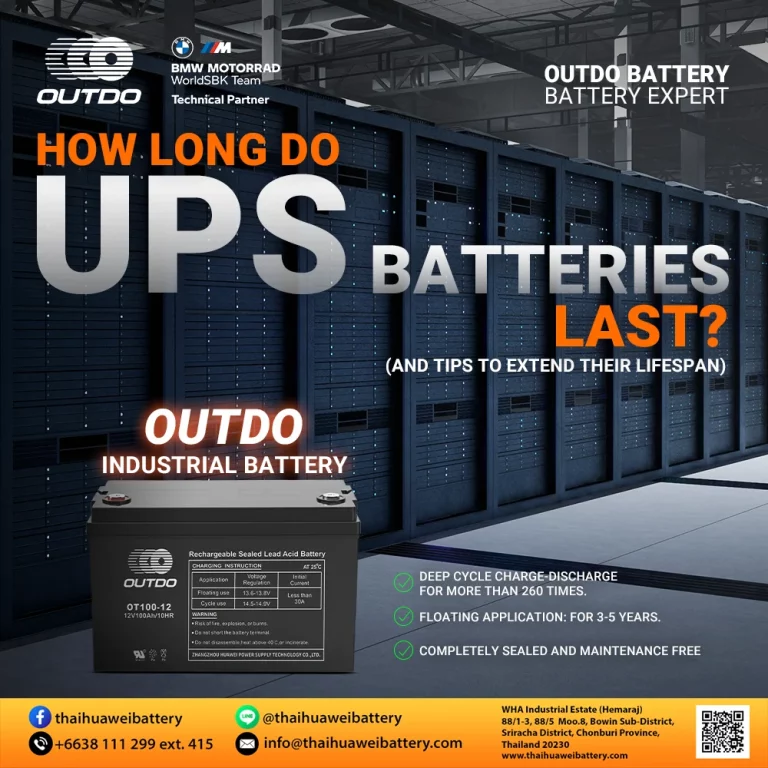
Most UPS batteries last about 2–3 years. Replacing it on time helps the UPS work properly.
Expert Advice: Choose a High-Quality UPS Battery
A UPS can only be as reliable as the battery inside it. During a power outage, the battery is what keeps your devices running and protects critical systems. For industrial applications, choosing a high-quality industrial battery such as those from Outdo—designed to meet industry standards and manufactured under strict quality control—can help improve operational safety, minimize downtime, and extend overall equipment lifespan. This makes industrial-grade batteries particularly suitable for offices, factories, and data centers that depend on stable and continuous power.
Conclusion: Should You Replace a UPS Battery Yourself?
In many situations, replacing just the UPS battery instead of buying a new UPS can save a lot of money—especially for small or home-use UPS models. You can keep almost the same backup performance at a much lower cost. However, the battery should be replaced correctly and matched to the right specifications. For large UPS systems or critical equipment, using a professional service may cost more upfront but helps avoid bigger problems and expensive downtime later. The best choice depends on safety, system importance, and overall cost.
Stay powered!
#UPS #BatteryCare #UPSBattery #EnergyTips #BatteryManufacturer #OUTDOBATTERY #ThailandBattery #BatteryFactory #ไทยหัวเวยแบตเตอรี่ #ผลิตแบตเตอรี่ #ThaihuaweiBattery #OD #BatteryImporter #BatteryExporter