UPS (Uninterruptible Power Supply) is designed to provide reliable backup power during unexpected outages. When a UPS fails to hold a charge, it can leave computers, network equipment, and critical systems unprotected. Understanding the common reasons why a UPS does not store energy properly helps users identify the problem early, prevent sudden shutdowns, and choose the right solution to restore dependable backup power.
Common Reasons Why a UPS Is Not Holding a Charge
A UPS that does not hold a charge is usually caused by a degraded battery, overloaded equipment, or internal UPS faults. In most cases, replacing an old UPS battery can restore normal backup performance.
1. The UPS Battery Is Worn Out
UPS batteries typically last 2-4 years. Over time, they lose capacity and can no longer store enough energy for backup.
Signs of battery failure:
- UPS turns off immediately during a power outage
- Backup time is much shorter than before
- Battery warning light or alarm is active
2. The UPS Is Overloaded
If the connected devices draw more power than the UPS can handle, the battery will drain almost instantly when the power goes out.
Examples of overload:
- Adding new equipment without upgrading the UPS
- Using a UPS designed for PCs to power servers or network racks
3. Battery Is Not Fully Charging
A UPS placed in an environment with:
- Poor ventilation
- High temperature
- Frequent power interruptions
may not allow the battery to fully recharge, resulting in weak backup performance.
4. Battery Connections Are Loose or Corroded
Loose terminals or corroded connectors can prevent proper charging and discharging, even if the battery itself is still functional.
5. Internal UPS Components Are Faulty
If replacing the battery does not solve the problem, the issue may be caused by:
- A failed charger circuit
- Damaged inverter or control board
In this case, professional repair or UPS replacement may be required.
How to Fix a UPS That Is Not Holding a Charge
- Check the battery age and replace it if older than 2-4 years
- Reduce the load connected to the UPS
- Ensure the UPS is installed in a cool, well-ventilated area
- Inspect and clean battery terminals
- Test the UPS after battery replacement
Frequently Asked Questions (FAQ)
Can a UPS work without a battery?
No. A UPS requires a battery to provide backup power during outages.
Batteries are the core component of every UPS system, as they store energy and deliver instant backup power when an outage occurs. Without a reliable battery, a UPS cannot protect connected equipment or maintain system uptime.
Is it safe to use a UPS with a failing battery?
No. A weak or swollen battery can reduce reliability and pose safety risks.
How often should a UPS battery be replaced?
Most UPS batteries should be replaced every 2-4 years, depending on usage and environment.
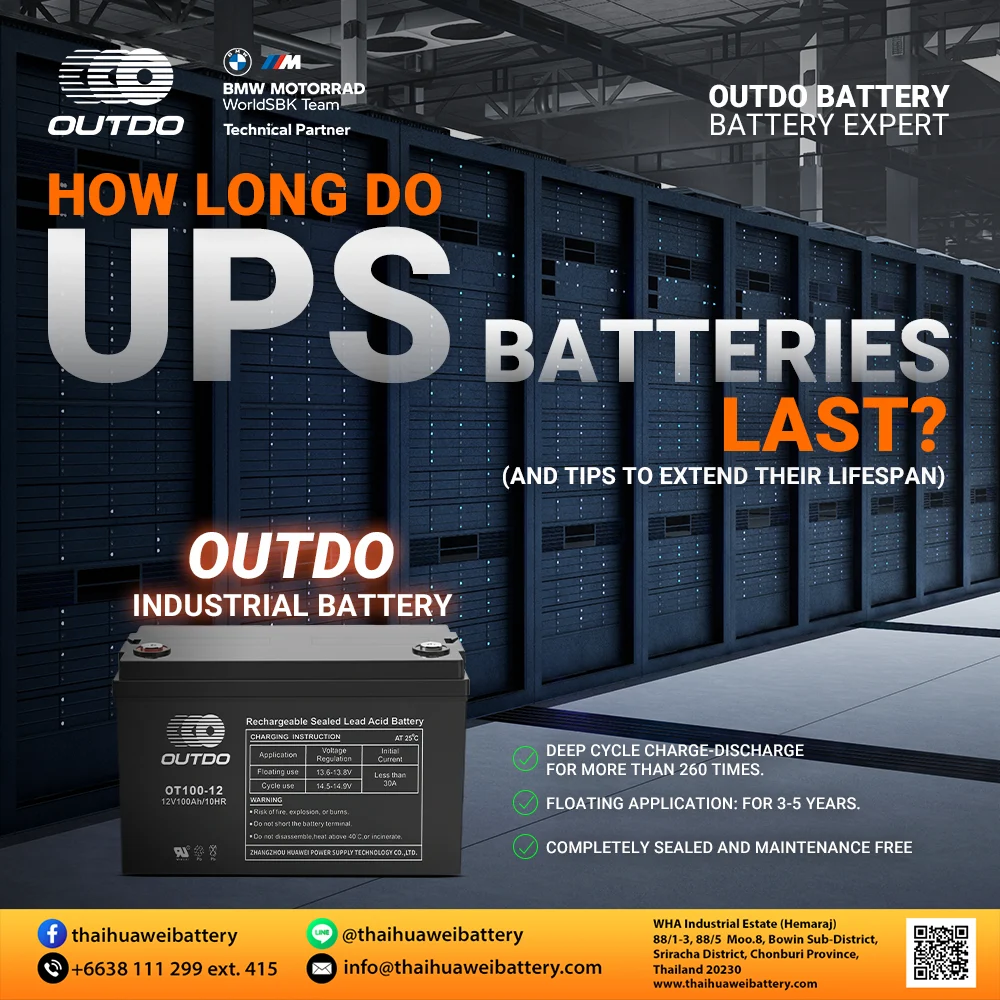
If you need a longer-lasting UPS battery replacement, consider using an industrial-grade UPS battery. Thaihuawei Battery’s industrial UPS batteries are designed for reliable backup power and offer a floating life of up to 3-5 years, making them suitable for critical and continuous applications.
👉 View Industrial UPS Batteries
Stay powered!
Tagged: ups